A reverse proxy, in a small world
A request goes out.
A response comes back.
Let’s follow one visit to a website. One highlighted connection. One action at a time.
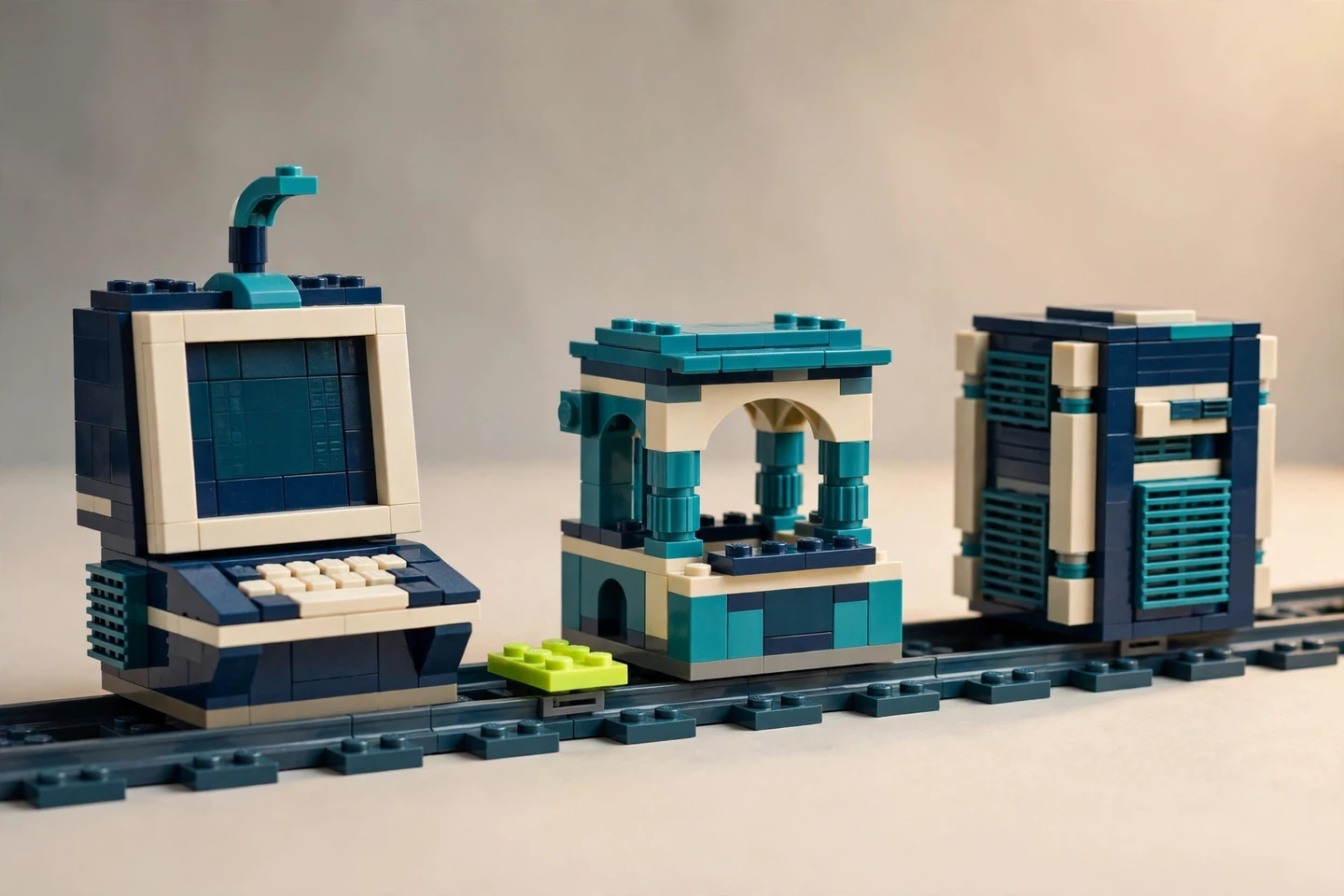
A round trip, ready to followILLUSTRATIVE MODEL
Read the four steps below if the scene is unavailable.
01
Browser terminalAsks for the page
02
Reverse proxyThe intermediary
03
ApplicationThe configured backend
Ready when you are
Let’s follow one visit.
The browser wants a page. The reverse proxy is the intermediary in this illustrative scene.
- 1Request
- 2Forward
- 3Response
- 4Return
Play the finite round trip, or use Step for the next meaningful phase.
The useful distinction
The proxy forwards a configured request and returns its response. That is not a promise to stop every attack.
Read the four steps without animation
- Terminal sends request. It reaches the reverse proxy first.
- Proxy forwards request. It uses the backend configured for this request.
- Application returns response. The response returns to the proxy.
- Proxy returns response to terminal. The browser receives it through the intermediary.
Illustrative AI-assisted brick scene. Actual routing and security controls depend on configuration.
Source: NGINX reverse-proxy documentation ↗ · Checked November 9, 2026.